The Castle
 |
 |
 |
1. Overview
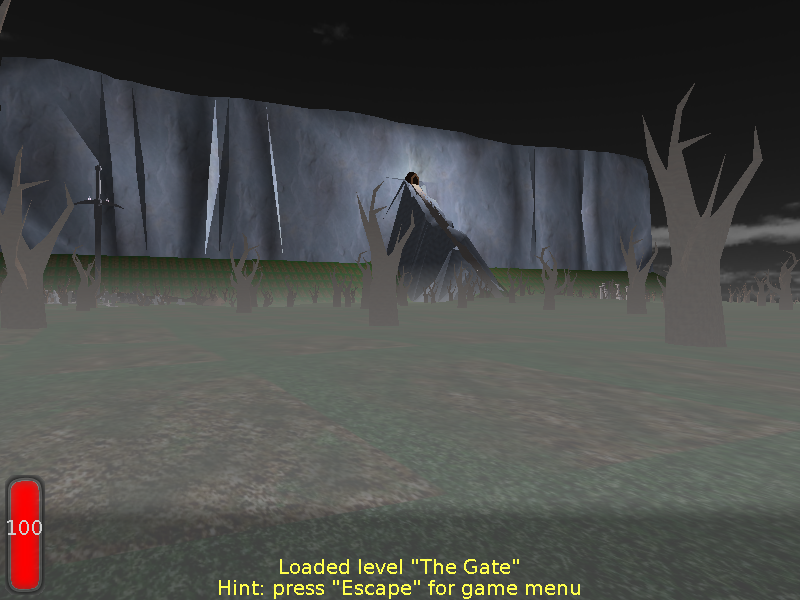
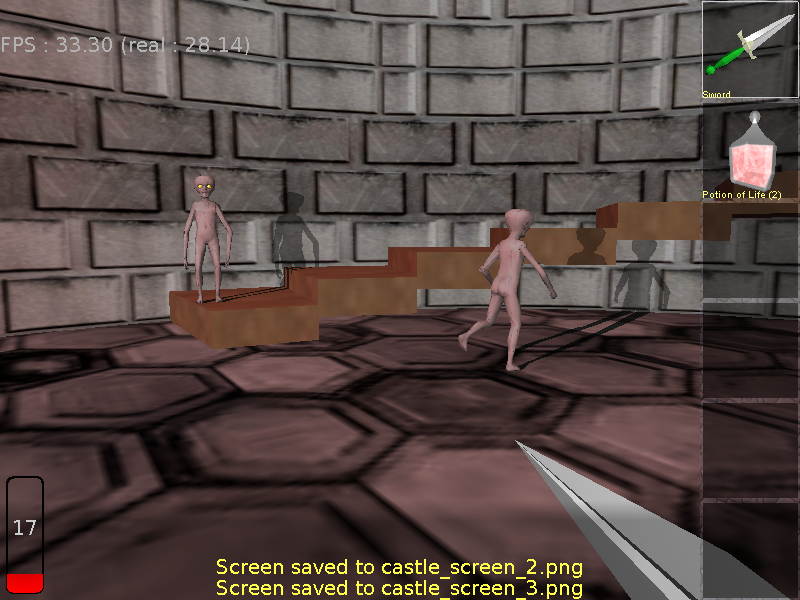
"The Castle" is a first-person shooter style game in a dark fantasy setting. Your main weapon is a sword, so the fight is mostly short-range. 3 main levels included, packed with creatures, items and sounds.
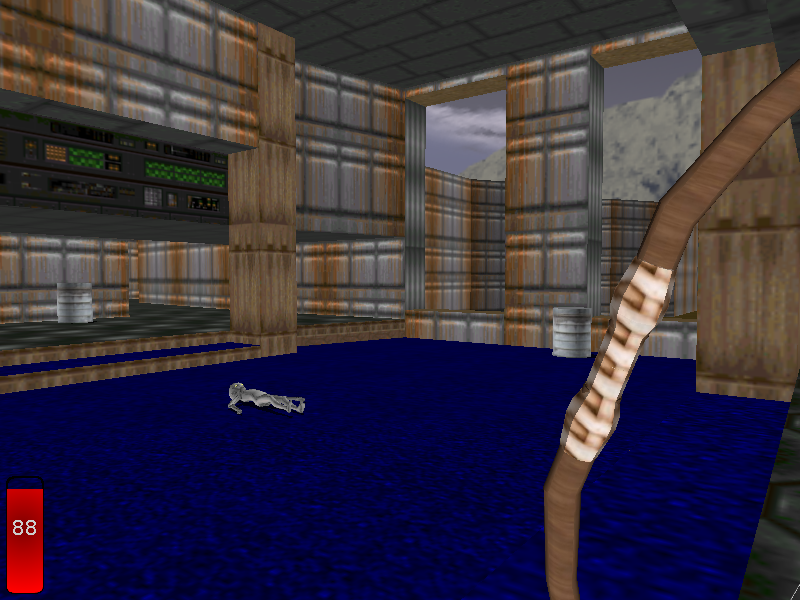
Also a couple of bonus levels are available, for fun and to show off some engine features. In particular, there's the classic DOOM E1M1 level — I know you always wanted to have a sword and a bow in DOOM :) Enjoy !
2. Download (version 1.1.0)





3. Installing
-
Windows:
Extract the downloaded archive anywhere. Run the game by running
castle.exe.Note that from the game you will be able to choose various audio devices (see menu Sound options). I advice to check both devices. Under Windows Generic Software device often sounds better than the default one. On the other hand, as far as I know, only Generic Hardware can produce sound better than stereo, if you have more than 2 speakers.
-
Linux, FreeBSD:
Installing actual game: extract the downloaded archive anywhere. Run the game by running the binary, like
./castle.To hear game sounds you should install OpenAL and VorbisFile libraries using your Linux distribution package manager.
-
macOS:
Extract the archive, drag-and-drop the application wherever you like.
Since the application is unsigned, double-clicking the application for the first time will result in an error along the lines "developer cannot be verified". You have to right-click on the application, choose "Open" from the context menu, and then you will be able to confirm that you want to open an unsigned application.
See macOS dependencies for more macOS information.
4. WARNING: This is a game from 2006 and has some programmer art :)
Note that this game was done quite long time ago: it was done for PascalGameDevelopment competition in 2006. I was tinkering with the code since then (the source code from GitHub compiles with latest Castle Game Engine). But I never had time to actually rework the 3D levels and creatures to something prettier.
This is combined with the fact that the game graphics was composed by me (Michalis), a programmer, not an artist. I used various free 3D models, doing various adjustments and adding some simple own models.
So forgive 3D graphics that look quite dated now :)
You want to see something pretty? Check out examples/fps_game in CGE sources! This was done by real artists, and in 2022, and it looks amazing :)
5. Movie
Short gameplay sequence and playing around with shadow volumes. Note that this was done with quite old engine version, in new version more things cast shadows.
Spoiler alert: the first half of the movie shows levels you will see later in the game.
